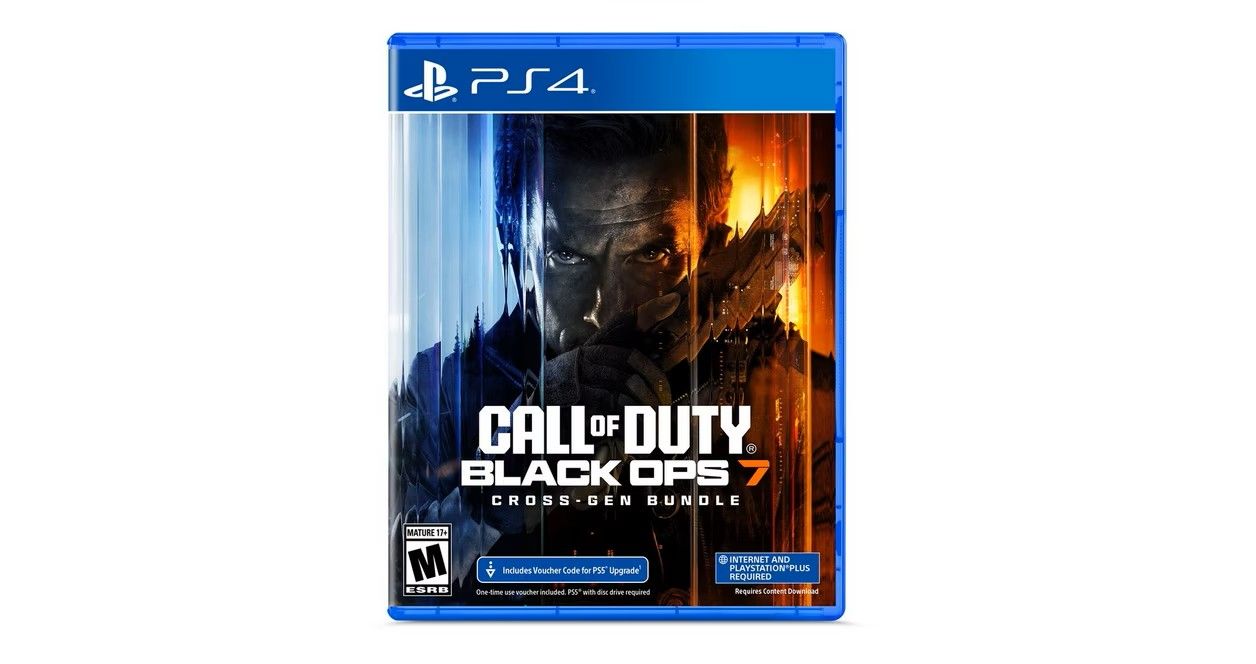
In Call of Duty®: Black Ops 7, Treyarch and Raven Software are bringing players the most mind-bending Black Ops ever. The year is 2035 and the world is on the brink of chaos, ravaged by violent conflict and psychological warfare. David Mason leads an elite JSOC team on a covert mission to the sprawling Mediterranean city of Avalon. While there, they discover a sophisticated plot that won’t just plunge the world into chaos, it will pull them into their own haunting pasts.
The right games for you!

$69.95

  • SPECIFICATIONS

    General


    Brand Name: Microsoft

    Gamerdium Exclusive: False


    Gameplay


    Number of Players: 1 - 3

    Online Multiplayer: True

    Number of Players Online: 1 - 40

    Co-op Mode: True

    Perspective: 1st Person

    Genre: Shooter

    Interactive Elements: Users Interact


    Compatibility


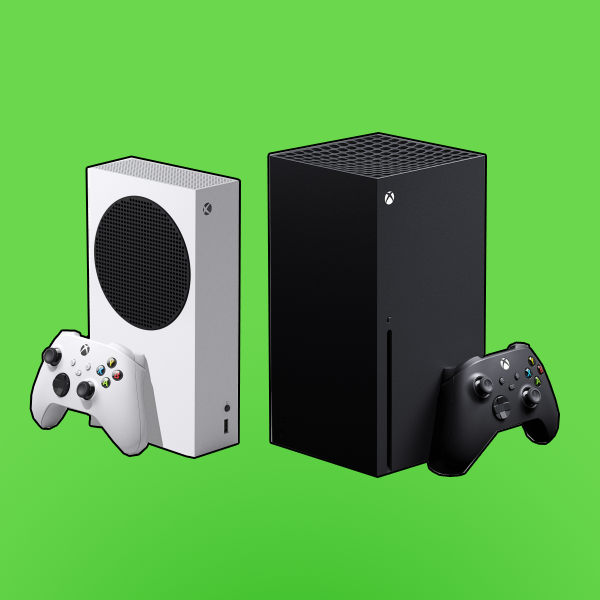
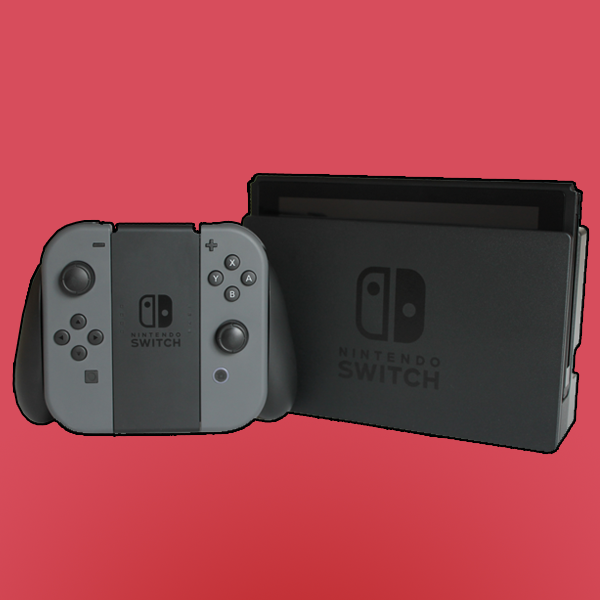
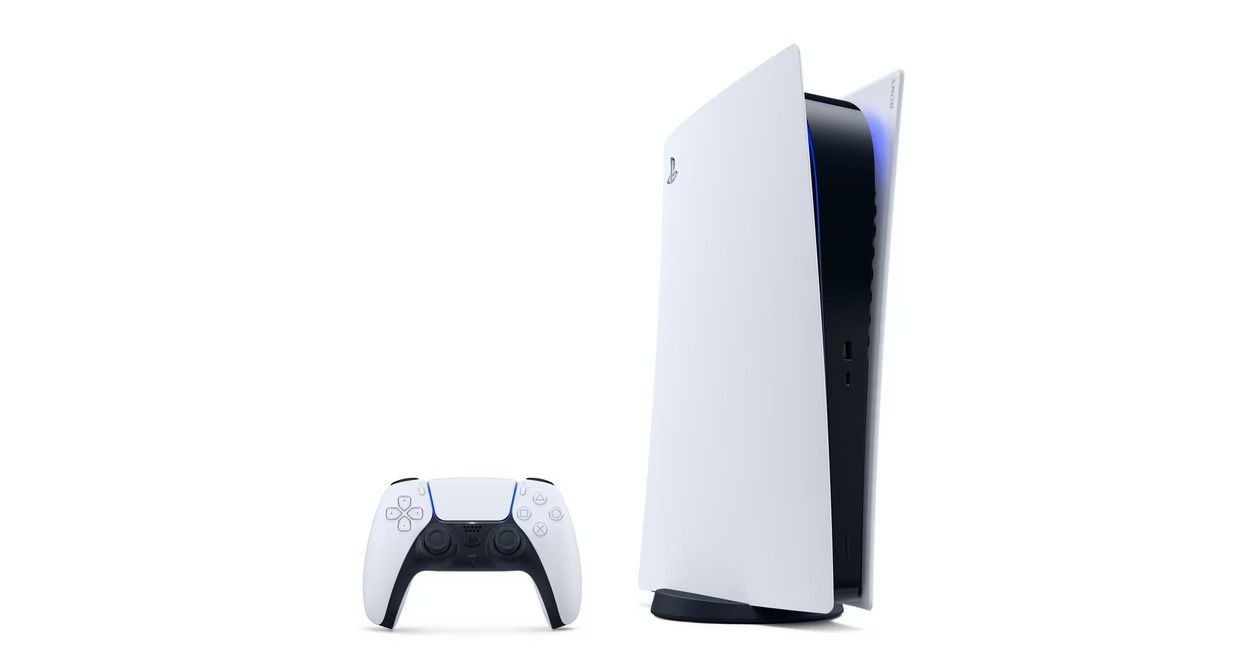
    Compatible Platforms: PlayStation 4, PlayStation 5, Xbox One, Xbox Series X


    Fandom


    Franchis: Call of Duty

    Publisher Name: Microsoft

  • HOW TO USE

    How to Use – Call of Duty: Black Ops 7

    Follow the steps below to get started with Call of Duty: Black Ops 7 on your gaming console:


    1. Install the Game

    • Physical Copy: Insert the game disc into your console and allow the installation to begin.
    • Digital Copy: Download the game from your console’s game library or store. Make sure you have enough storage space before starting.


    2. Update the Game

    • Once installed, launch the game while connected to the internet.
    • Download and install any available updates to ensure optimal performance and access to all features.

    3. Create or Sign In to Your Account
    • Sign in to your console profile.
    • If required, log in or create an Activision account to access online features such as Multiplayer, Zombies, and ranked modes.

    4. Choose Your Game Mode
    From the main menu, select the mode you want to play:

    • Campaign: Experience the story-driven single-player mode.
    • Multiplayer: Compete online with players worldwide.
    • Zombies: Team up with friends to survive waves of enemies.
    • Local Play: Play offline with friends using split-screen (if supported).


    5. Adjust Settings

    • Customize controls, graphics, audio, and sensitivity settings to match your play style.
    • Enable accessibility options if needed.


    6. Start Playing

    • Select a map or mission and jump straight into the action.
    • Progress through levels, unlock weapons, and customize your loadouts as you play.

    7. Save Progress

    • Game progress is automatically saved.
    • Online progress is synced to your account when connected to the internet.


  • DETAILS

BESTSELLERS

You may also like